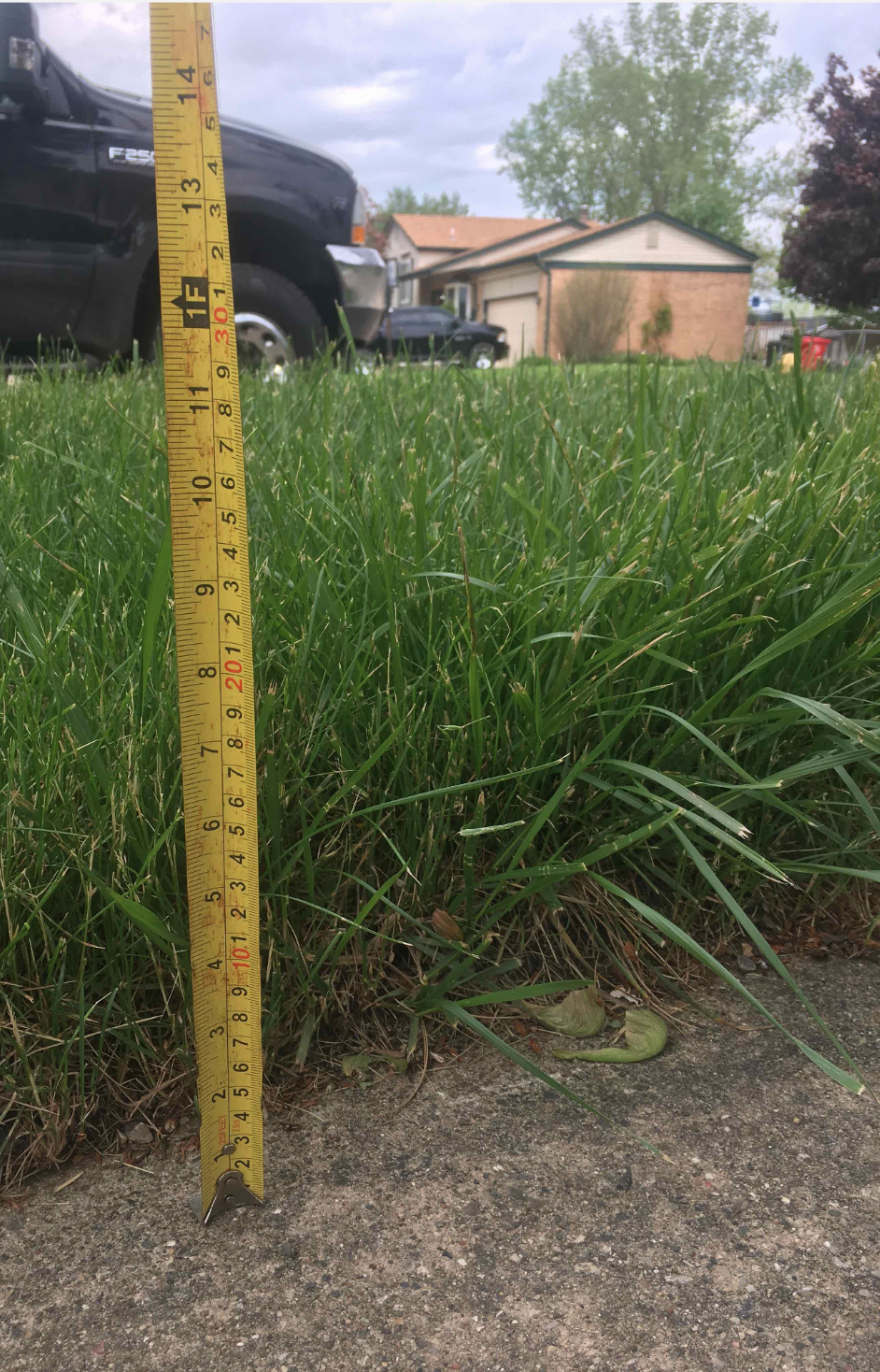
How do I take overgrowth photos?
LawnGuru is committed to ensuring our Pros are compensated fairly for the extra time and equipment wear required for overgrown properties. To receive approval for an overgrowth fee, you must submit clear photographic evidence through the LawnGuru Pro App that indisputably shows the length and density of the grass.
Important: Overgrowth photo submissions that do not abide by the criteria below will be rejected.
The Standard for Overgrowth
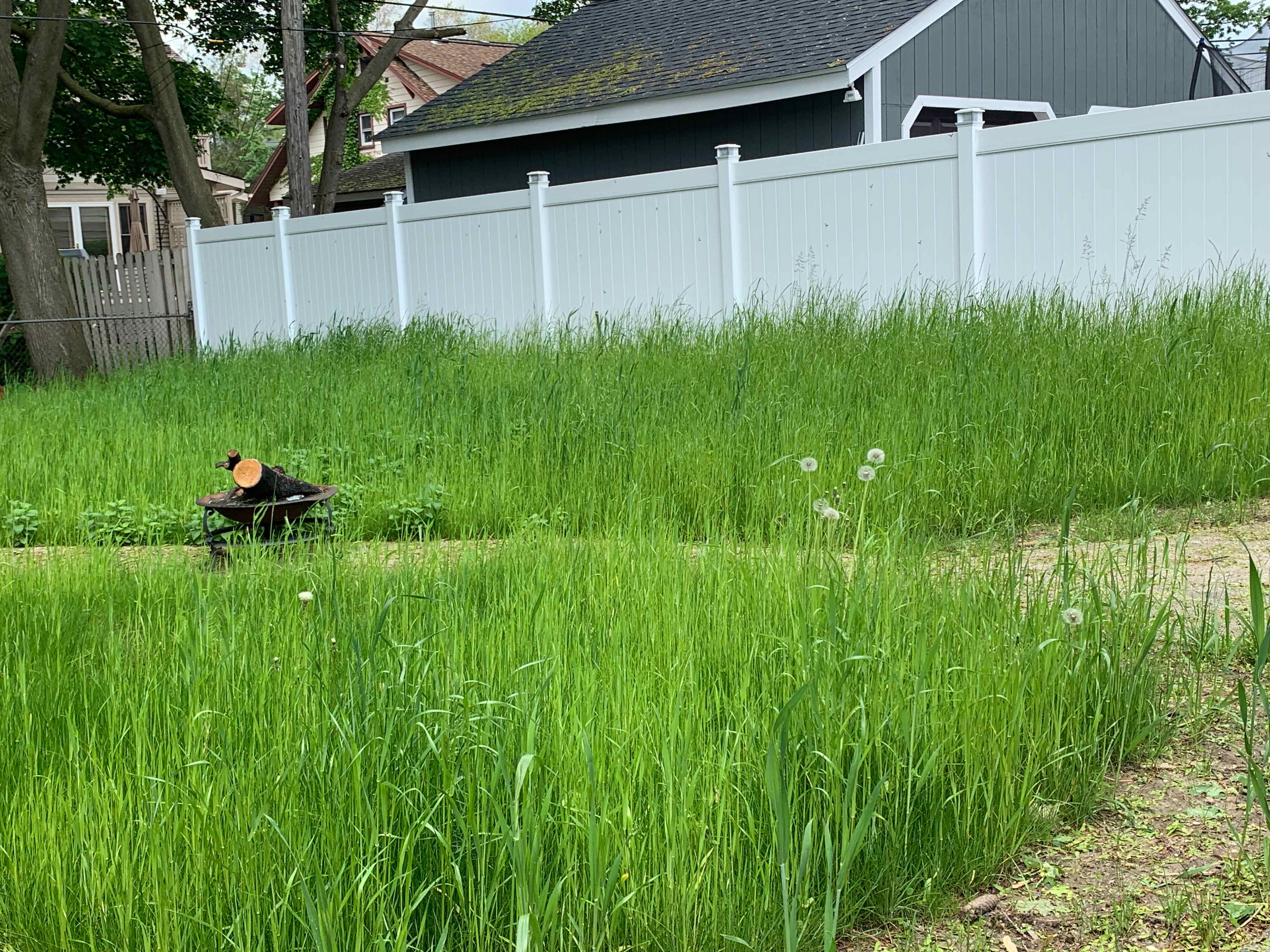
Overgrowth is defined as the vast majority of the lawn being 6 inches or taller.
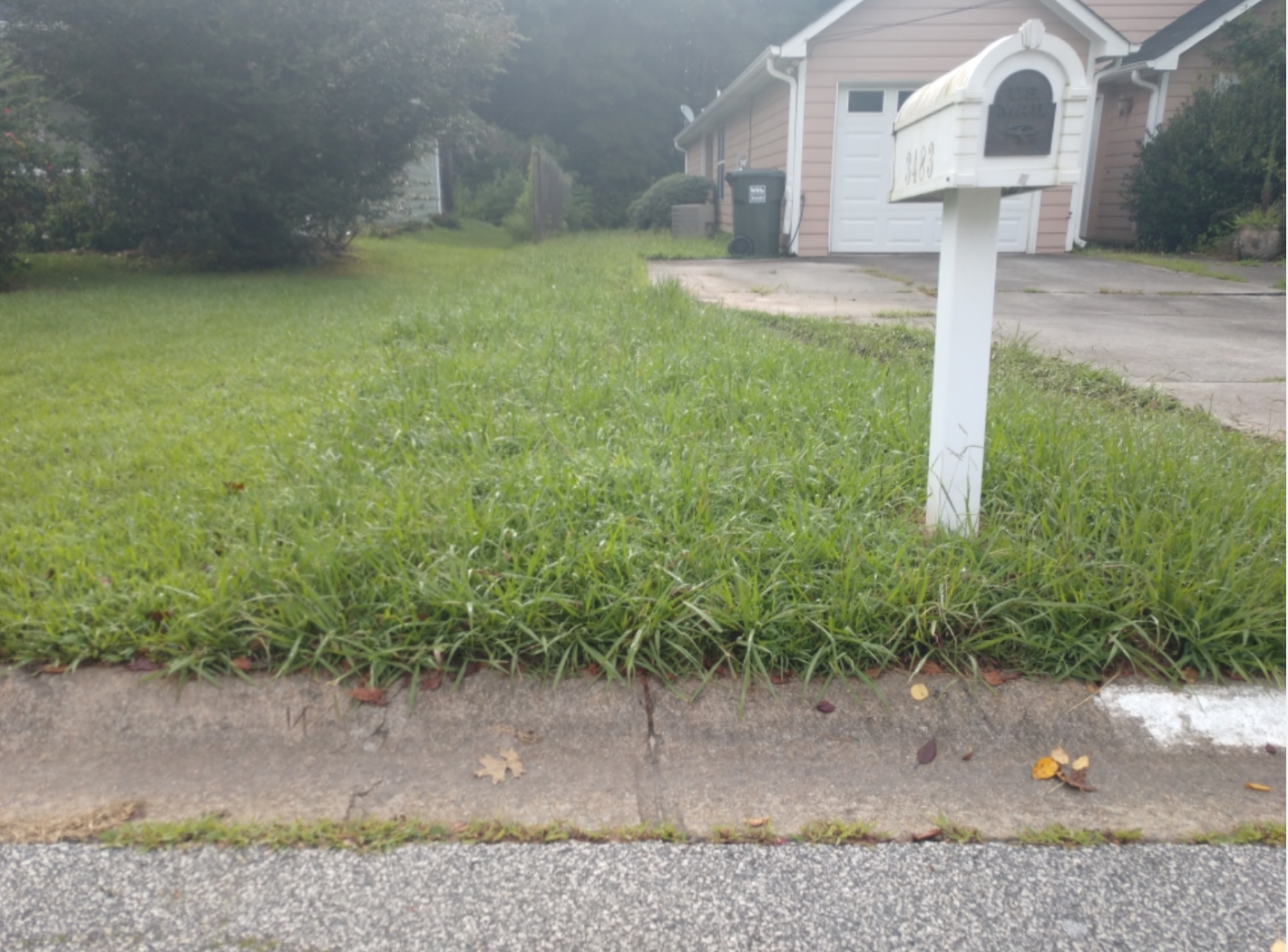
Sparse Growth: Keep in mind that "wispy" growth or seed heads do not qualify as overgrowth. If the grass is thin or sparse, even if it is tall, it may not require a double-cut.
Fairness Policy: While we want to ensure you are compensated, we are equally obligated to protect customers from unnecessary charges. If a lawn does not require two or more passes to look professional, overgrowth fees do not apply. Treat LawnGuru customers with the same integrity you would your own private clients.
Recurring Service: Overgrowth fees will not be approved for recurring weekly customers who have been on your schedule since the start of the season.
Photo Requirements
To ensure your request is processed quickly, please follow these photographic standards:
✅ Do:
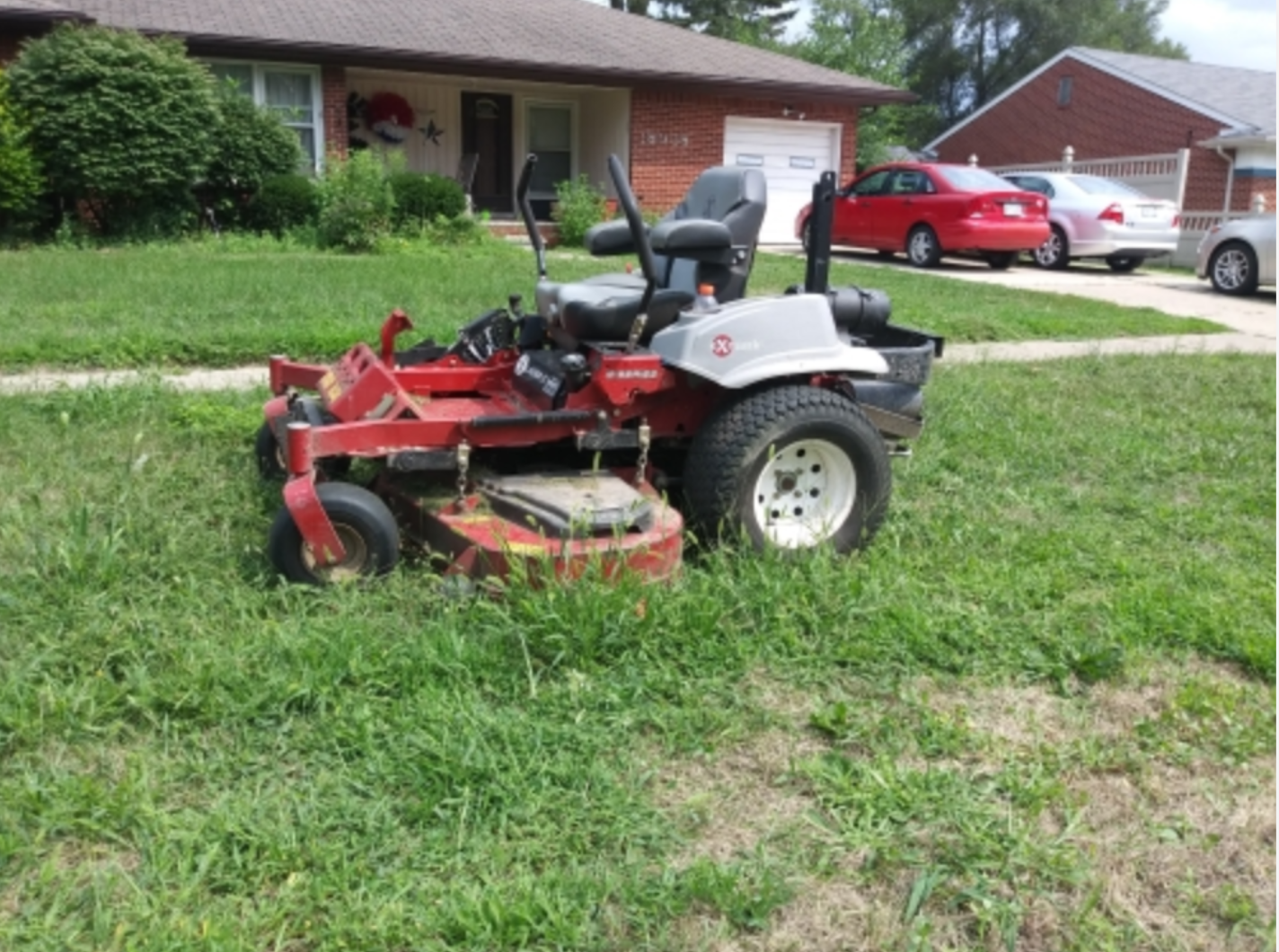
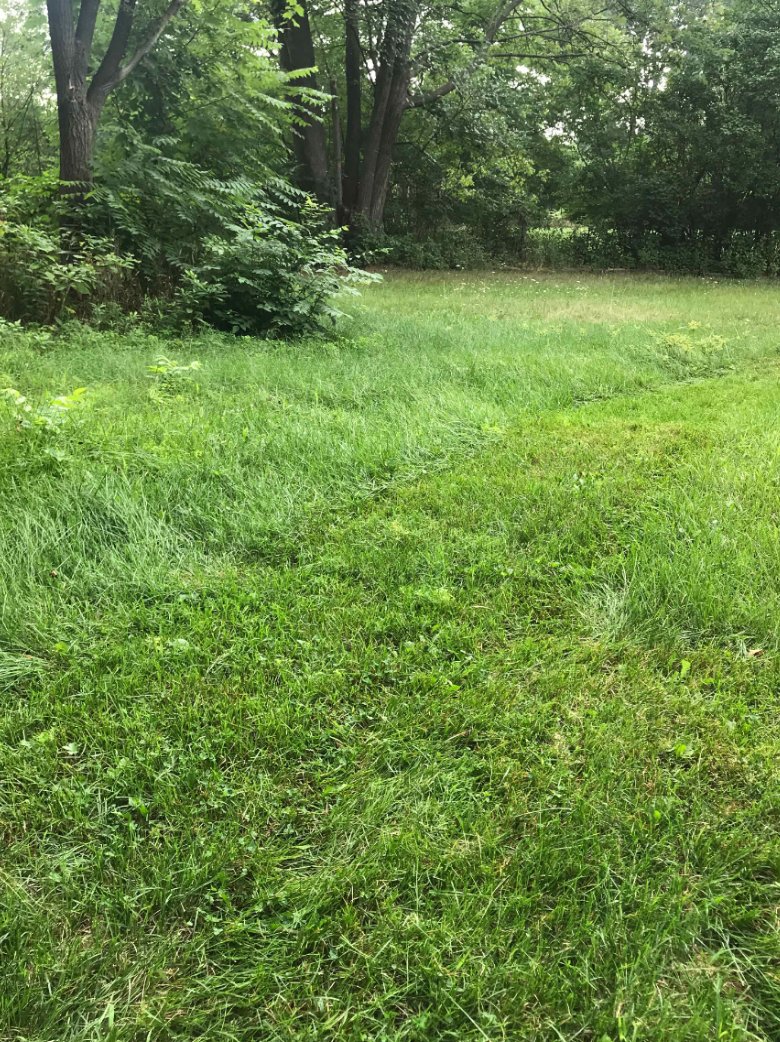
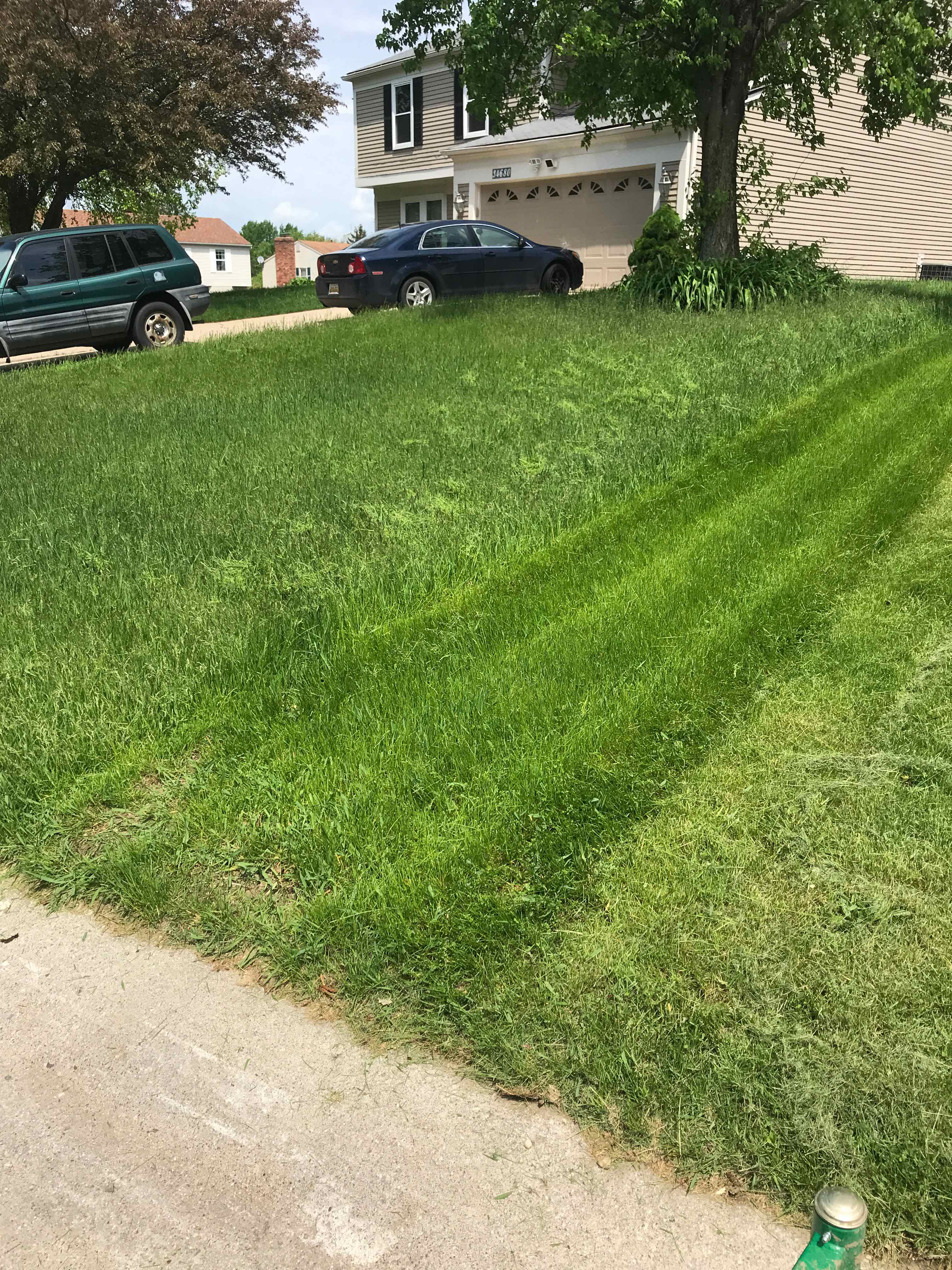
Mow one pass: Show a single mowed strip next to the uncut grass. If the mowed area looks clean after one pass, a fee is not necessary.
Show scale: Use a measuring device (tape measure or yardstick) to clearly show the height.
Capture the "Big Picture": Take photos from shoulder height to provide perspective. Include the home or property-defining objects in the frame.
Submit via App: Use the "Request Overgrowth" feature within the LawnGuru Pro app immediately upon arrival.
❌ Don’t:
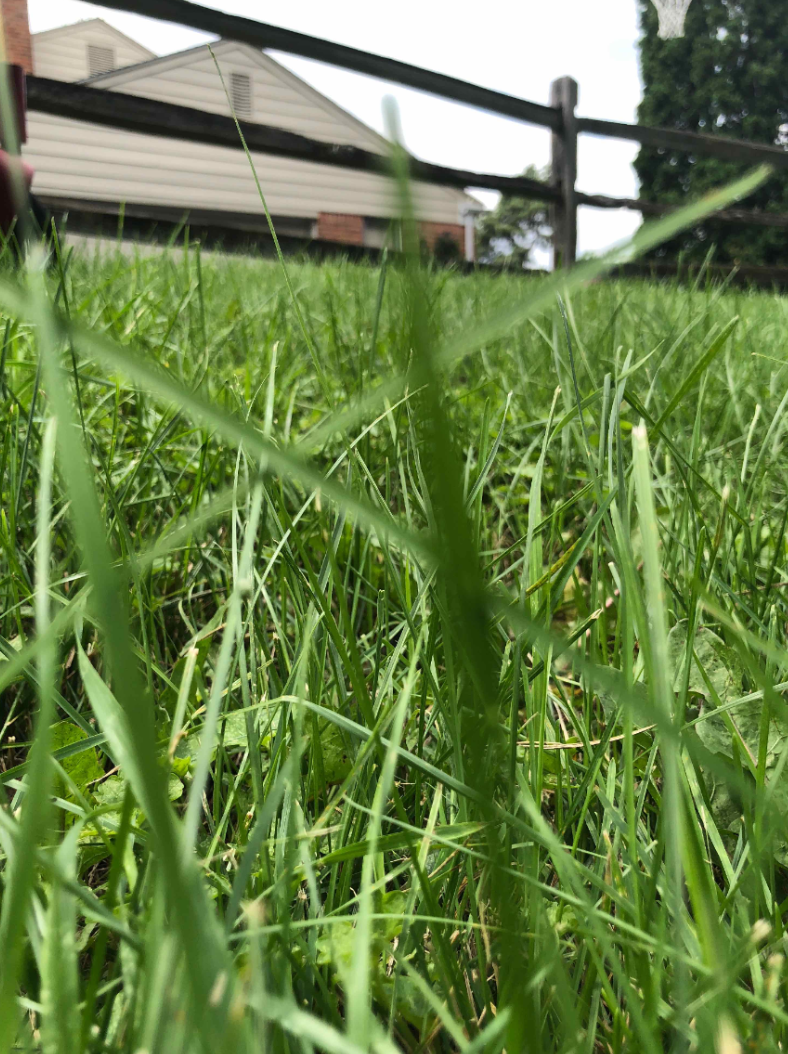
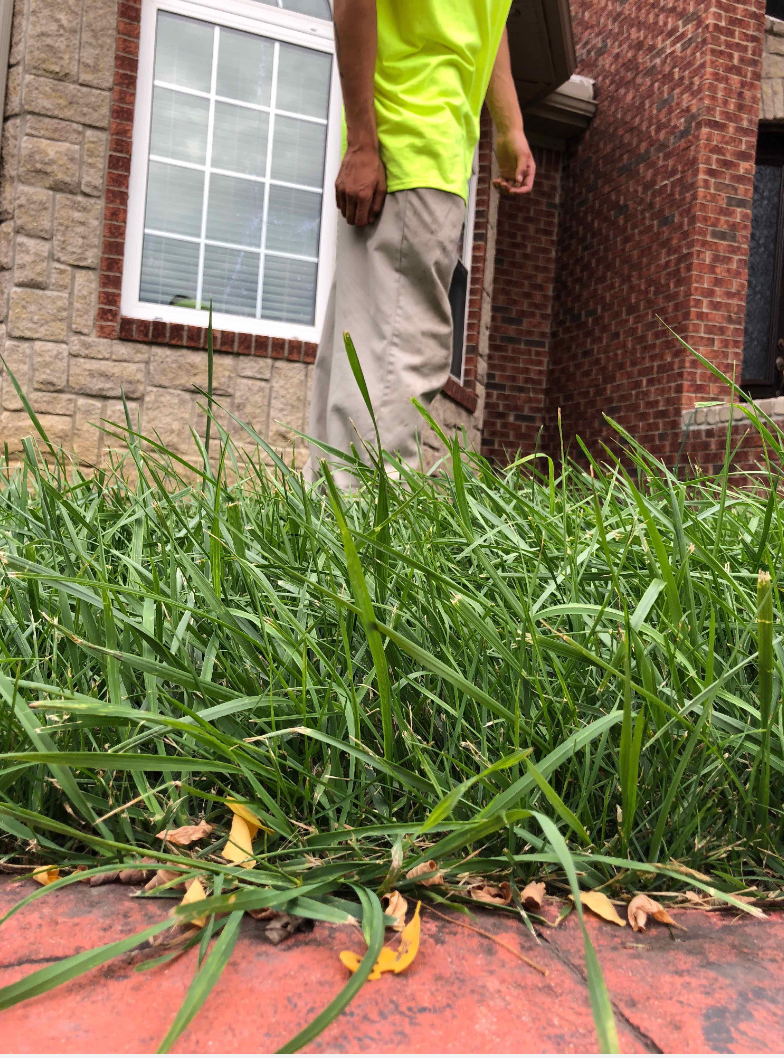
Close-ups/Bird's-eye: Do not submit zoomed-in or ground-level photos; these make it impossible to judge the height relative to the property.
Late Service: Do not request overgrowth if the lawn is long because you are late for a scheduled service or have changed the service day.
Blurry Images: Ensure the camera is focused and the lighting is clear.
Abuse the Feature: Do not use the "Request Overgrowth" button for lawns that do not meet the criteria.
Pro Tip: How to Measure
When documenting height, do not pull a single grass blade tight against a ruler. Simply place the measuring device in the grass. The bulk of the lawn—not just a few stray blades—must meet the height requirement for the tier you are requesting.
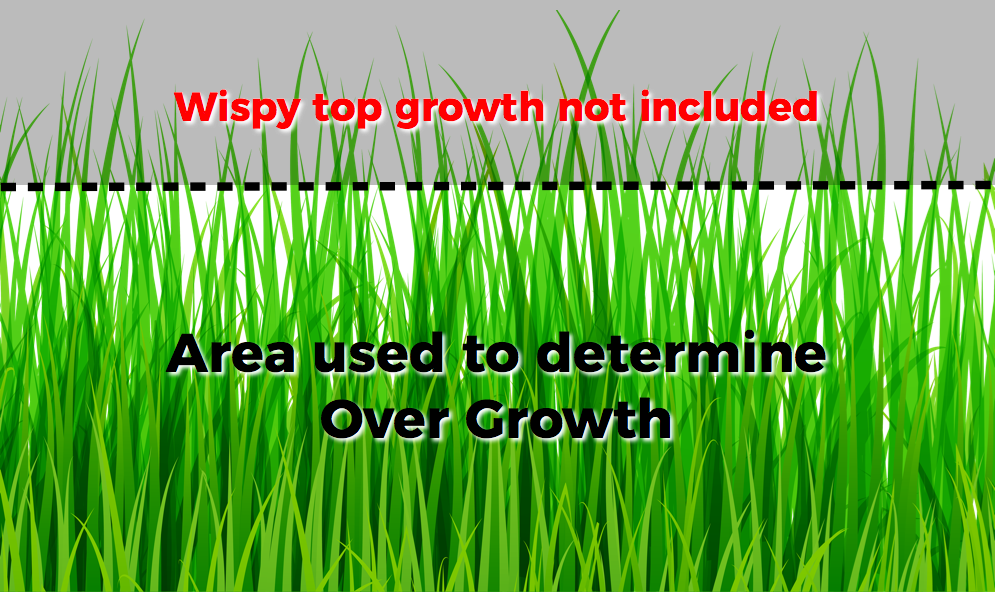
Overgrowth photo submissions that do not abide by these criteria will be rejected.
PHOTOS THAT WILL BE CONSIDERED:
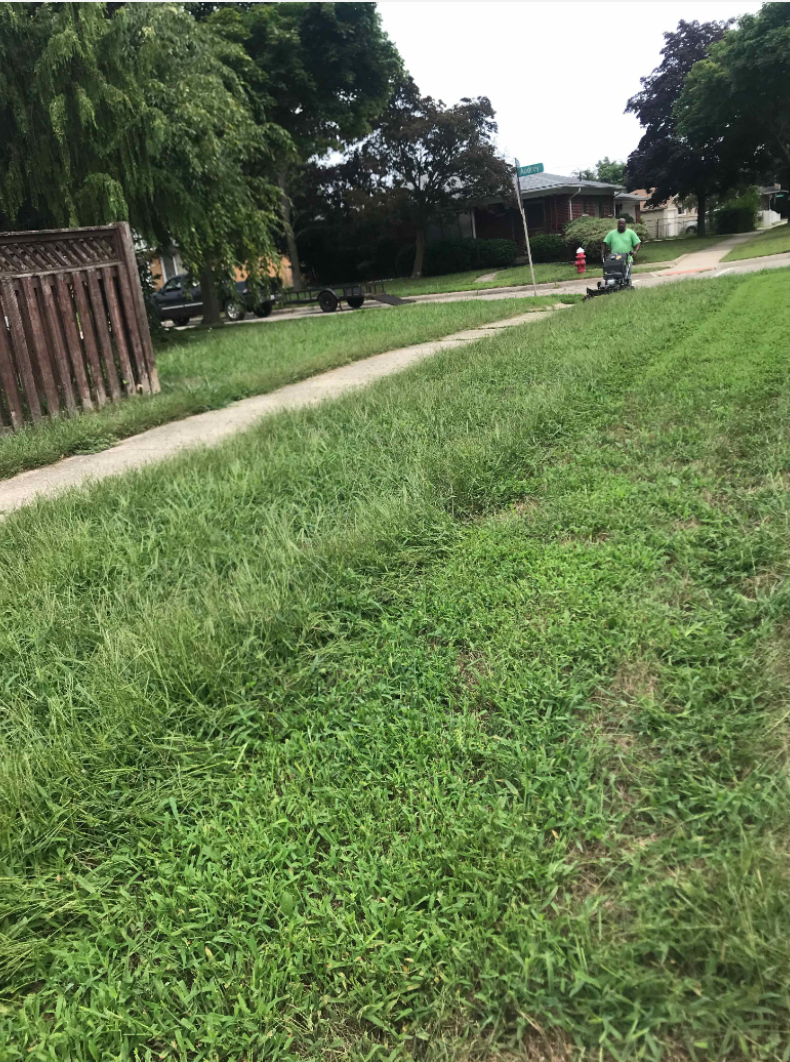
PHOTOS THAT WILL BE REJECTED: